
3D printing has revolutionized the way we create, build, and innovate. For beginners, delving into the world of 3D printing can be both exciting and overwhelming. This blog post aims to guide you through the fundamentals of 3D printing, helping you get started on your journey to mastering this incredible technology.
Understanding 3D Printing
3D printing, also known as additive manufacturing, is a process of creating a three-dimensional object from a digital file. This is achieved by laying down successive layers of material until the object is fully formed. The materials used can vary from plastics and metals to resins and even advanced ceramics.
Choosing the Right 3D Printer
Before you start printing, choosing the right 3D printer is crucial. Consider factors such as the type of materials you want to print, the desired resolution, and the printer's overall cost and maintenance. Entry-level printers are more affordable and easier to use, making them ideal for beginners.
Essential 3D Printing Tools
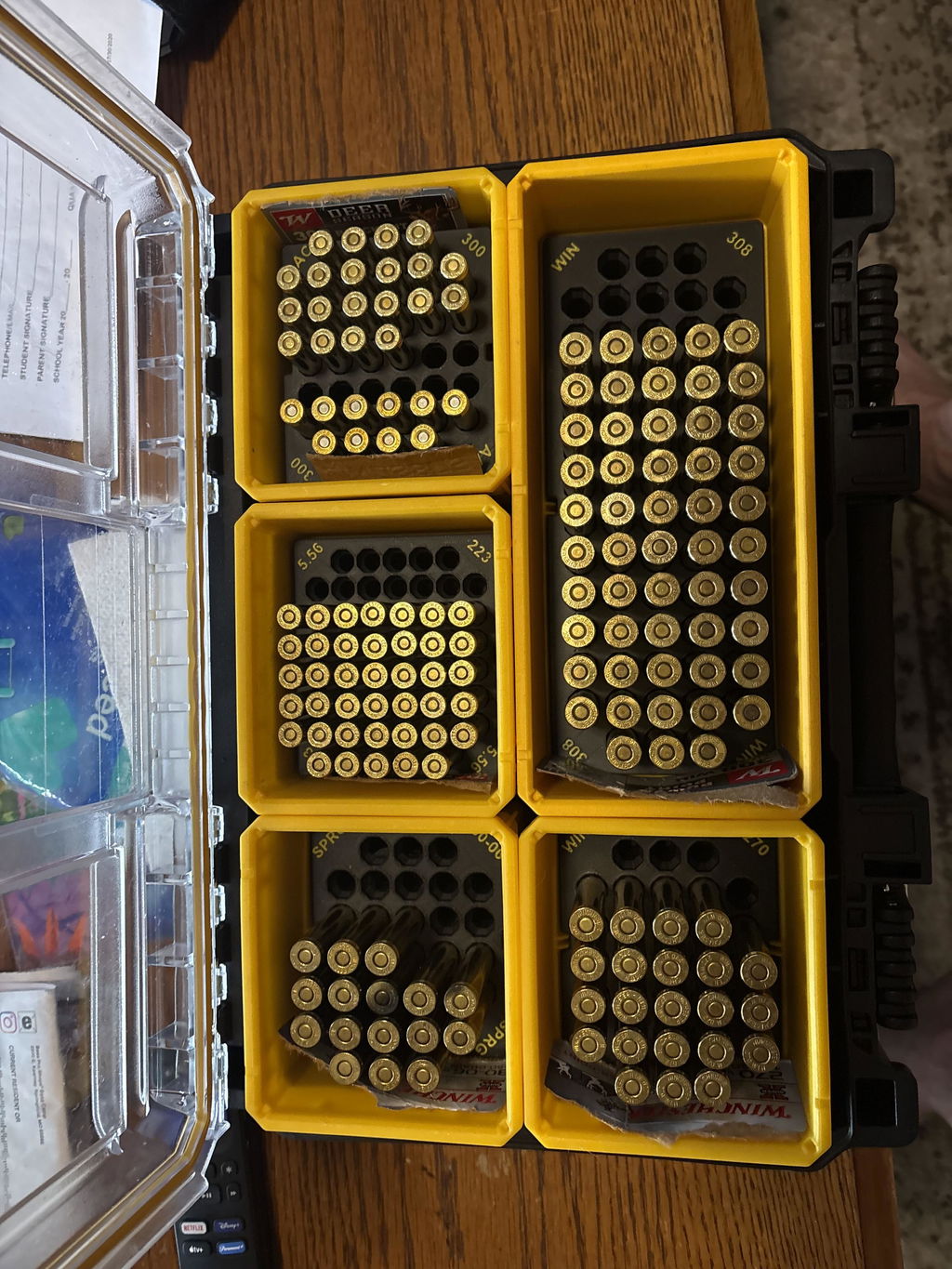
Having the right tools can make all the difference when working with 3D printing. As a beginner, you may find a tool holder incredibly useful for organizing your workspace and ensuring you have easy access to all your necessary tools. Check out the Lyman Type Prep Tools Holder for a nifty solution that helps keep your tools tidy and within reach.
Preparing for Your First Print
Once you have your 3D printer and tools ready, it's time to prepare for your first print. This involves designing or downloading a 3D model file, preparing the file for printing using slicing software, and ensuring that your printer is correctly calibrated.
Beginner-Friendly 3D Modeling Software
For those new to 3D printing, using beginner-friendly 3D modeling software is advisable. Options such as TinkerCAD or Fusion 360 offer intuitive interfaces and powerful capabilities that can help you create custom designs or modify existing ones.
Slicing Your Model
Slicing is a critical step where your 3D model is divided into horizontal layers for the printer to understand how to lay down each layer. Popular slicing software includes Cura and PrusaSlicer, providing a wide range of settings to optimize your print.
Common Challenges and Solutions
Starting out in 3D printing may come with its challenges. Common issues include print failures, material jams, and layer shifting. However, with patience and practice, these can be overcome. Always be open to learning from each print and researching solutions online or within community forums.
Final Thoughts
3D printing opens a world of creative possibilities and innovations that are thrilling to explore. By mastering the basics outlined in this guide, you'll soon be well on your way to becoming a proficient 3D printing enthusiast. For more insights and specialized tools, visit WM Prints to explore a range of products that can enhance your 3D printing experience.
Embark on this journey with curiosity and creativity, and you'll find that the only limit to what you can create is your imagination.